See what’s happening.
Follow each house, assign work and keep the costs and evidence in one record.
Built for residential builders
The receipts, the work, the people.
One place to keep the whole
build together.
On site on your phone. At your desk in the browser.
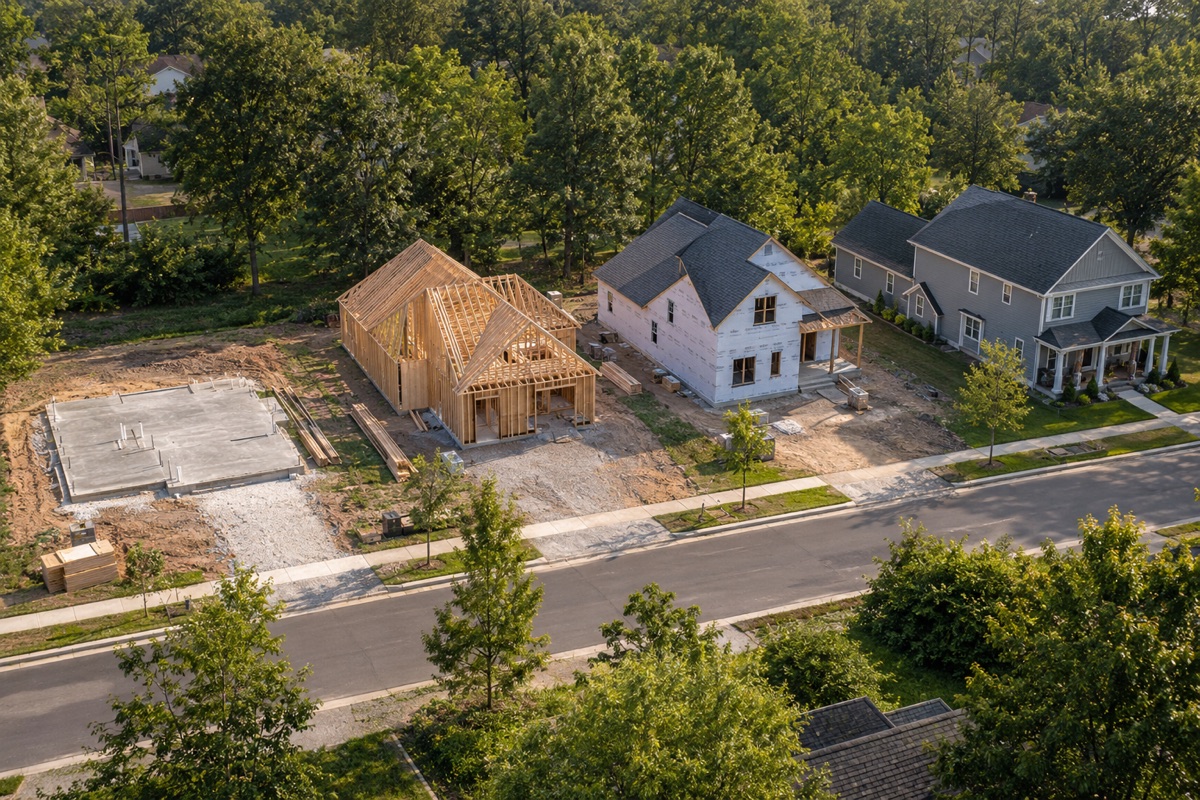
Illustrative construction imagery
Less paperwork. A better record.
Take a photo or upload an invoice. Gentium reads the details and suggests where the cost belongs. You check it before it’s saved.
Snap a receipt, choose a photo, or upload a file to the right house.
Review the vendor, exact amount and suggested cost category. Change anything that needs it.
The cost appears in the budget. The original stays linked, ready to find again.
Your numbers stay yours. Saving an invoice doesn’t mark it paid or mark work complete.
From the jobsite to the office
Keep tasks, updates, files and costs with the house they belong to. Pick up on your phone or in the web app—without rebuilding the story from texts.
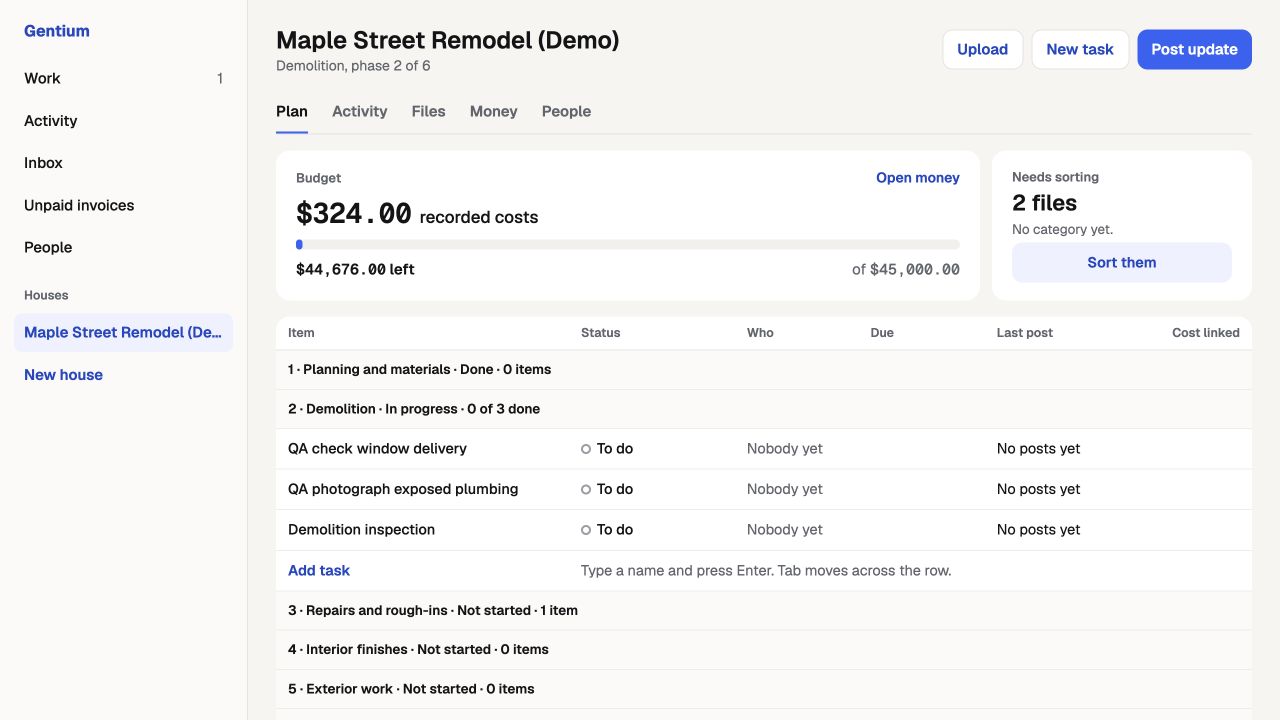
One build. Different jobs.
Owners, office teams and subcontractors have different jobs. Their access should reflect that.
Follow each house, assign work and keep the costs and evidence in one record.
Add incoming paperwork, organize files and track invoices without chasing every message.
Find assigned work, post updates and add photos or invoices with project-specific access.
A shared project record
Illustrative report contents
Ready to share
Share a read-only report with the progress, costs and supporting records you choose. Keep the paperwork connected to the build.
Open the appA few things to know
Yes. Open the web app and sign in to work with your houses, files, tasks and costs. Your access depends on your company and project role.
Gentium reads the document and suggests details and a category. You review them before saving the cost, and the original stays linked to it.
No. Recorded cost, payment status, work completion and inspection results are separate records.
Yes. The lender-sharing screen lets authorized users choose the information included in a read-only report.
Email an@gentiumconstruction.com or visit our support page.
Build the house. Keep the record.